Home /Label Maker Machine with Tape, P31S Bluetooth Label Printer, Mini Label Maker wi




Label Maker Machine with Tape, P31S Bluetooth Label Printer, Mini Label Maker wi
(9)
$17.09
Availability:
SKU: 274078418504
Specifications
gtin13:7445044044031
Type:Does not apply
Country of Origin:China
UPC:7445044044031
Item Weight:8.8 ounces
Special Feature:Label printing for organization in school, office, and home envir
Compatible Devices:iOS 13 or later, Android
Printing Technology:Thermal
Item model number:P31S
Package Dimensions:5 x 3.07 x 2.64 inches
Specific Uses For Product:Label printing for organization in school, office, and home envir
Model Series:P31S
Color:Coral
Brand:Phomemo
Model Name:P31S
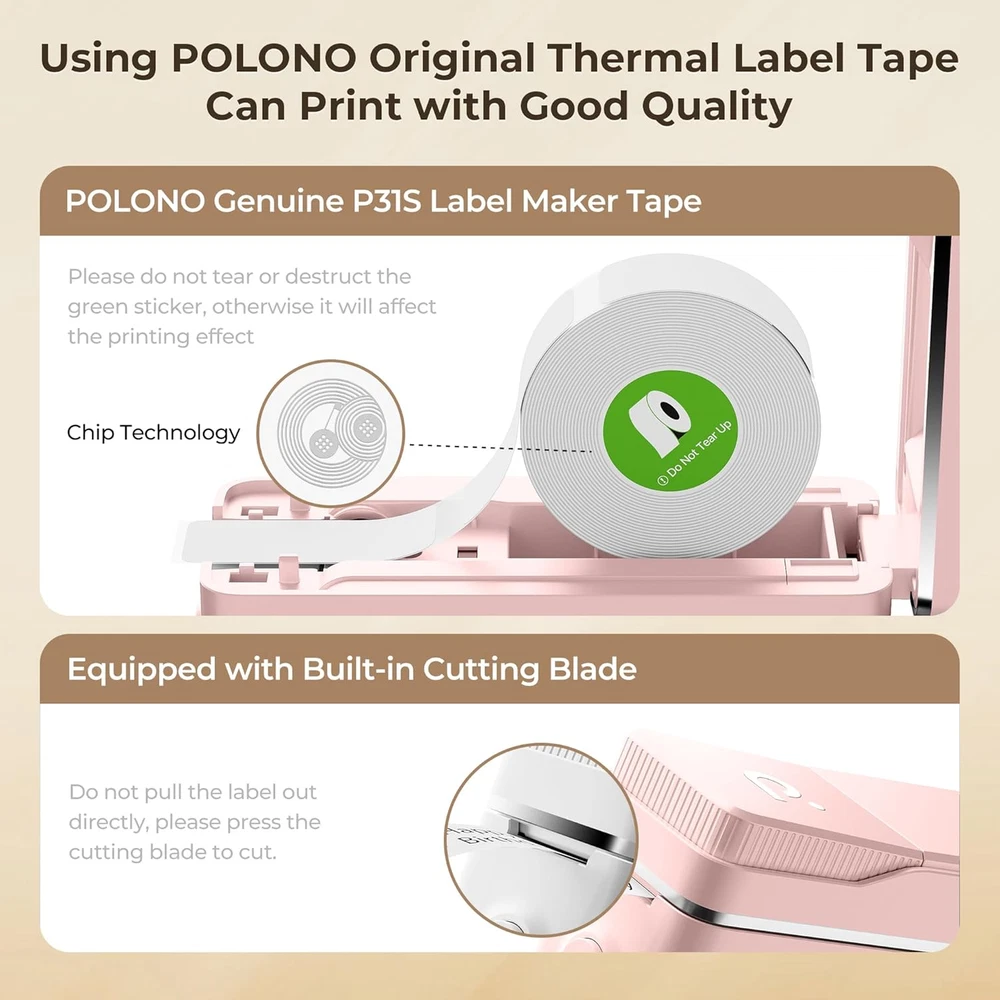
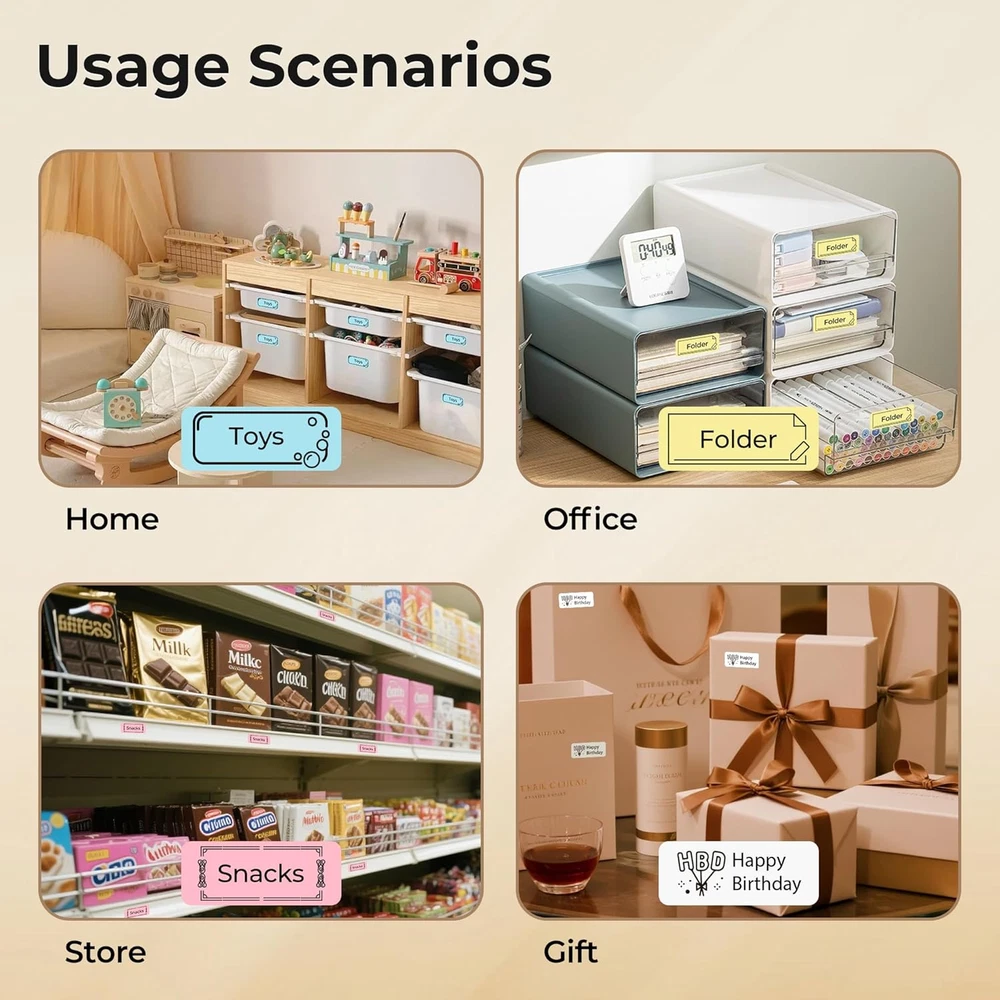
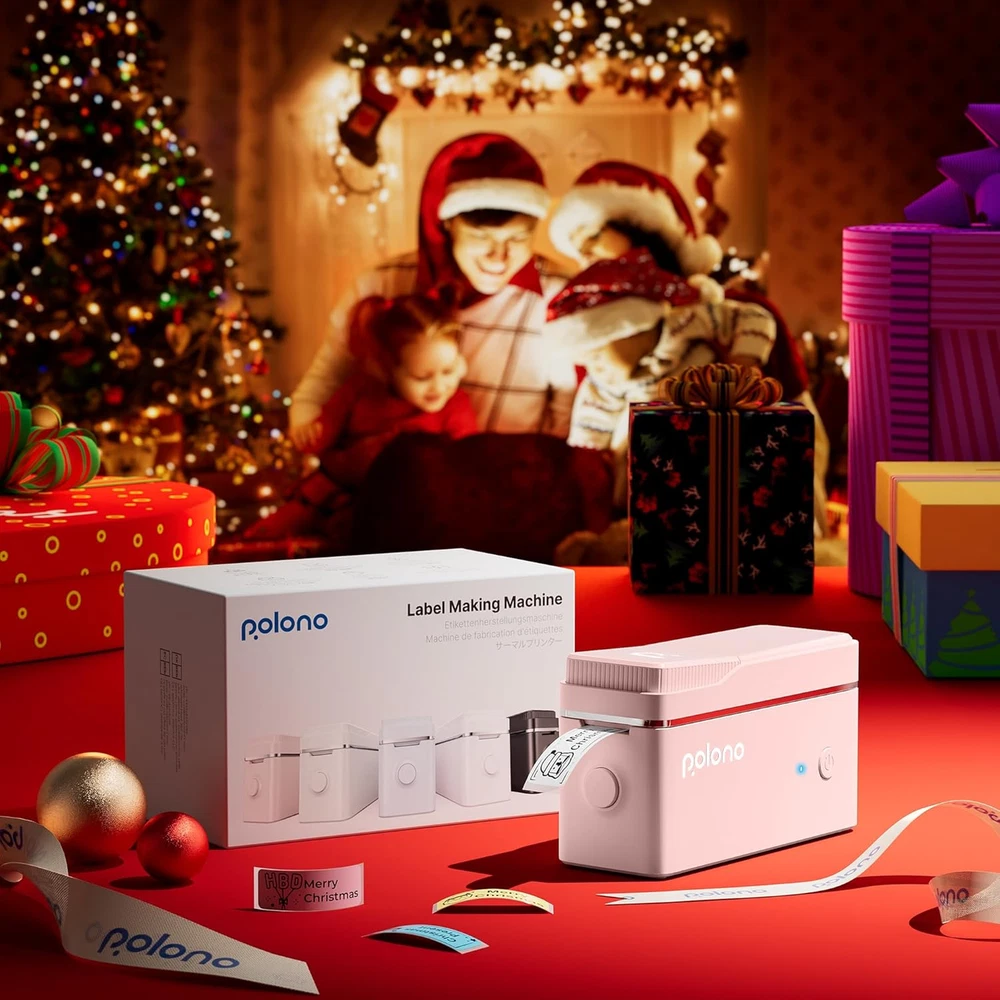
Experience true mini and portable! POLONO P31S label maker can be used with one hand. Built-in durable battery, this label maker can be charged for a long time. It can be put in your pocket, and is easy to carry. Easily create labels anytime, anywhere. This label maker machine with tape is equipped with a high-speed chip and 203dpi, allowing you to enjoy high-definition printing without relying on ink or toner [Easy to use] - Setup can be completed in one minute. Step 1. Download the labelnize app from Google Play or the APP Store or scan the QR code. Step 2. Install the label maker tape. Step 3. Connect P31S via Bluetooth through the app. Step 4. Choose your favorite template and start an interesting printing journey with this mini label maker machine with tape [Rich in features & diverse in labels] - The Labelnize app provides a large number of templates and icons, supporting printing of various texts, numbers, graphics, symbols, logos, barcodes, QR codes, etc for the P31S label maker [Wide application] - Whether at home, school, office, or on the go, you can use P31S label maker machine with tape to label and store your food cans, bottles, documents, jewelry, etc. This mini label maker is the good back-to-school item and household gadget [Note] 1. Supports Android and iOS 13 or above, not compatible with computer. 2. Cannot print continuous label tapes. 3. It is recommended to use our POLONO thermal label paper for good printing quality. You can search for "POLONO P31S Label Maker Tape". 4. Do not tear or damage the green non-adhesive on the back of the label tape, as it will affect the printing effect
You May Also Like